In-depth Hardware Information
From a quick overview unfolding into the depth of all hardware components. Always up-to-date supporting latest technologies and standards.
Comprehensive Hardware Analysis, Monitoring and Reporting for Windows and DOS.
Free Download

Used to monitor computer systems for failures in high radiation fields. See NASA references of HWiNFO in documents:






Lansweeper discovers and inventories your entire IT estate. Pair it with HWiNFO for deep sensor data on every Windows endpoint in your network.
Try Now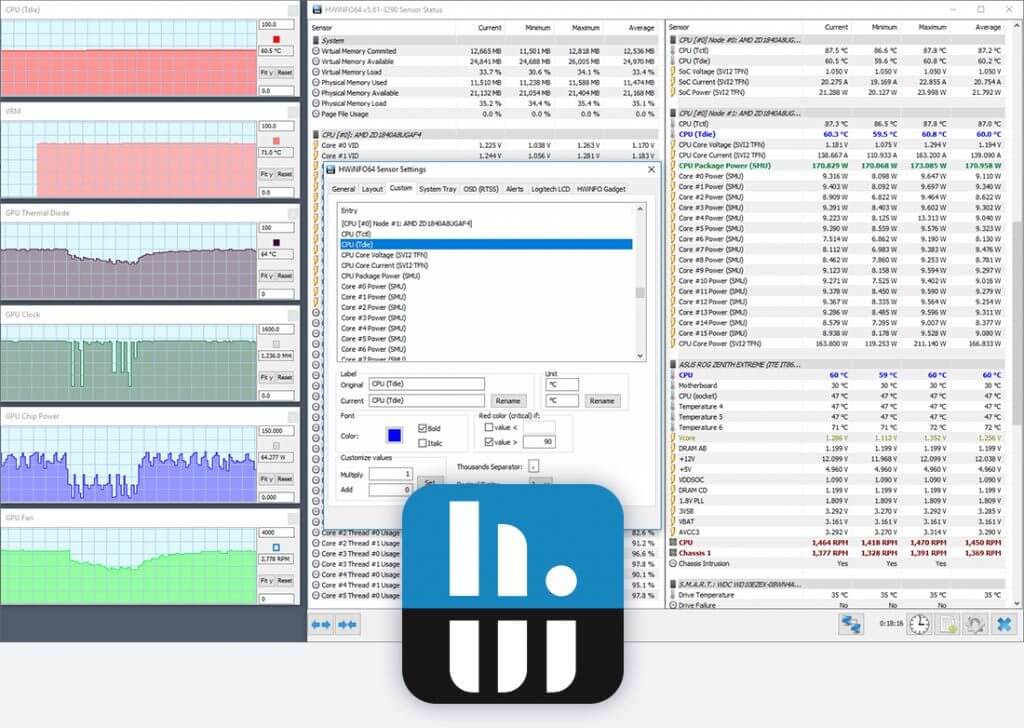
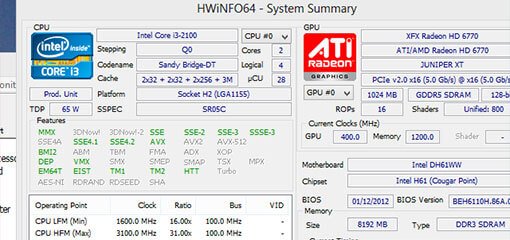
From a quick overview unfolding into the depth of all hardware components. Always up-to-date supporting latest technologies and standards.

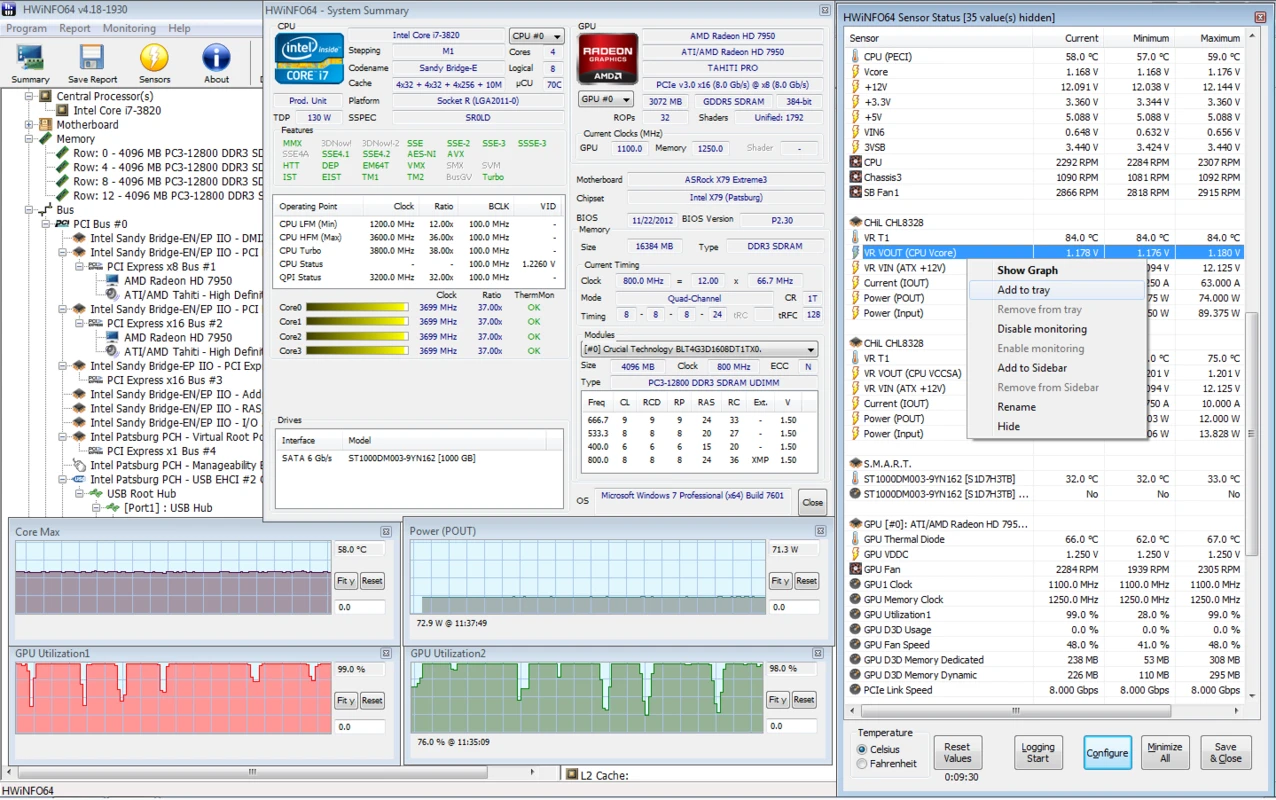
Accurate monitoring of all system components for actual status and failure prediction. Customizable interface with variety of options. Optimized for lowest overhead.

Multiple types of reports, status logging and interfacing with other tools or add-ons. Export to CSV, HTML, JSON, and YAML formats.

Trusted by thousands of users including large enterprises, main hardware vendors and component manufacturers. Designed to provide accurate and reliable information.

HWiNFO does not collect any personal information and does not transmit any data over network unless you configure alerts or remote monitoring.
.png)
Updated frequently to support latest components, technologies and standards. Version 8.52 adds NVIDIA Blackwell Hot Spot, GDDR6X VRAM temps, and Razor Lake AX support.
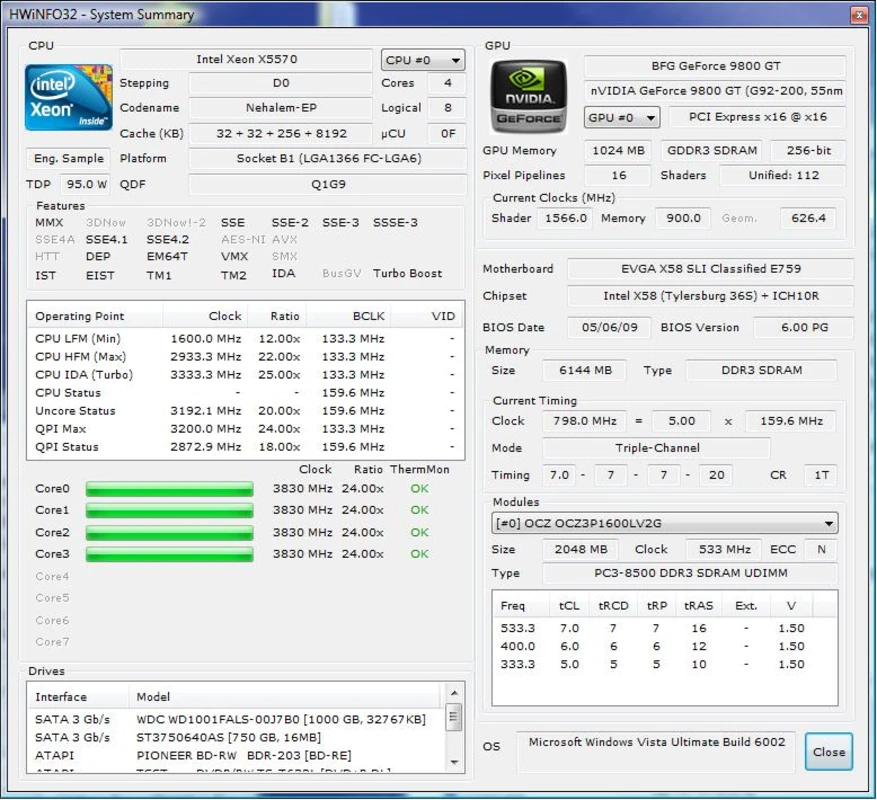
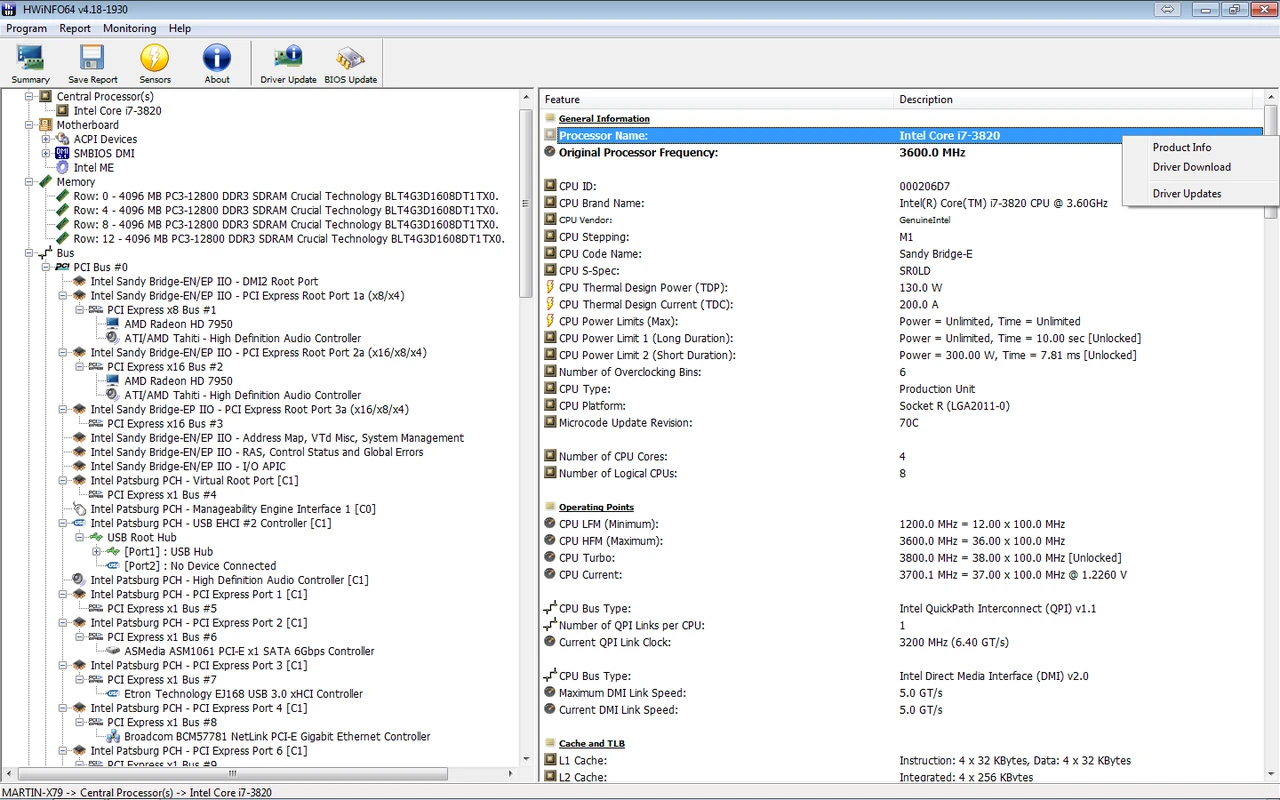
HWiNFO provides the deepest hardware inventory available for Windows: processor microarchitecture, memory SPD timings, PCIe link speeds, BIOS revisions, and SMART drive health in one structured view.
Real-time sensor panels track temperatures, voltages, fan speeds, and power draw with min, max, and average columns. Reset counters before each test for clean diagnostic evidence.
Read more... →
"The Most Comprehensive System Audit Tool I've Ever Seen."
Need help with sensors, licensing, or download verification? Browse our guides and FAQ, or read the trust and security dossier before installing HWiNFO 8.52.